Find Your User ID

Note: If you are not a rep, you need to contact your sponsor for this information

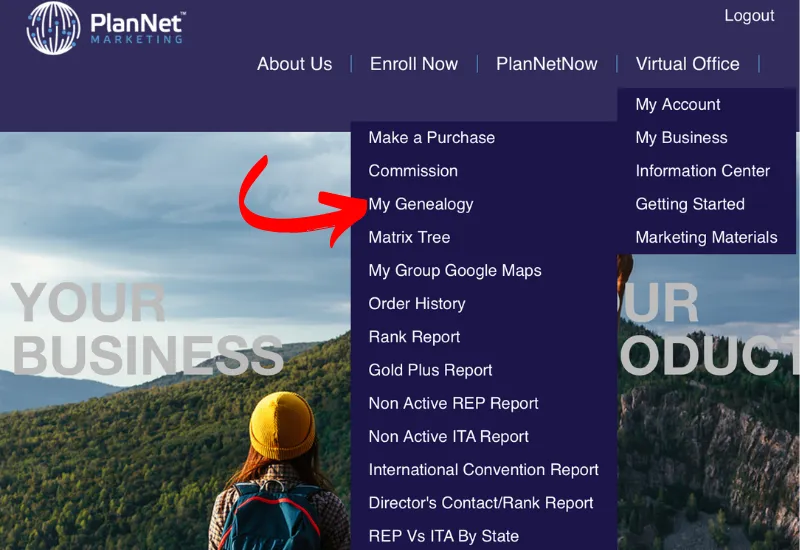
Step 2: Under MY BUSINESS click MY GENEOLOGY
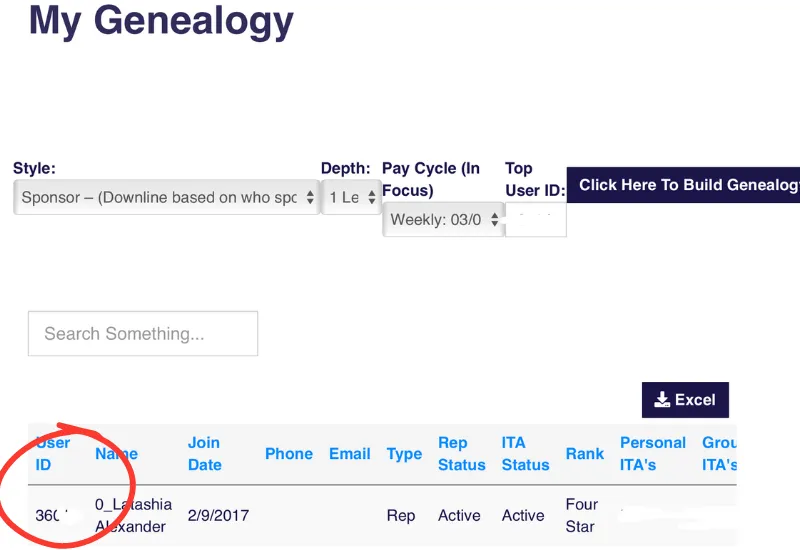
Step 3: Your USER ID will be located next to your name as seen below
Privacy Policy | Terms of Use | Contact Support
Copyright © 2026. All rights reserved. TravelSquad


